Free vs Premium WordPress Themes: Which to Choose
Introduction
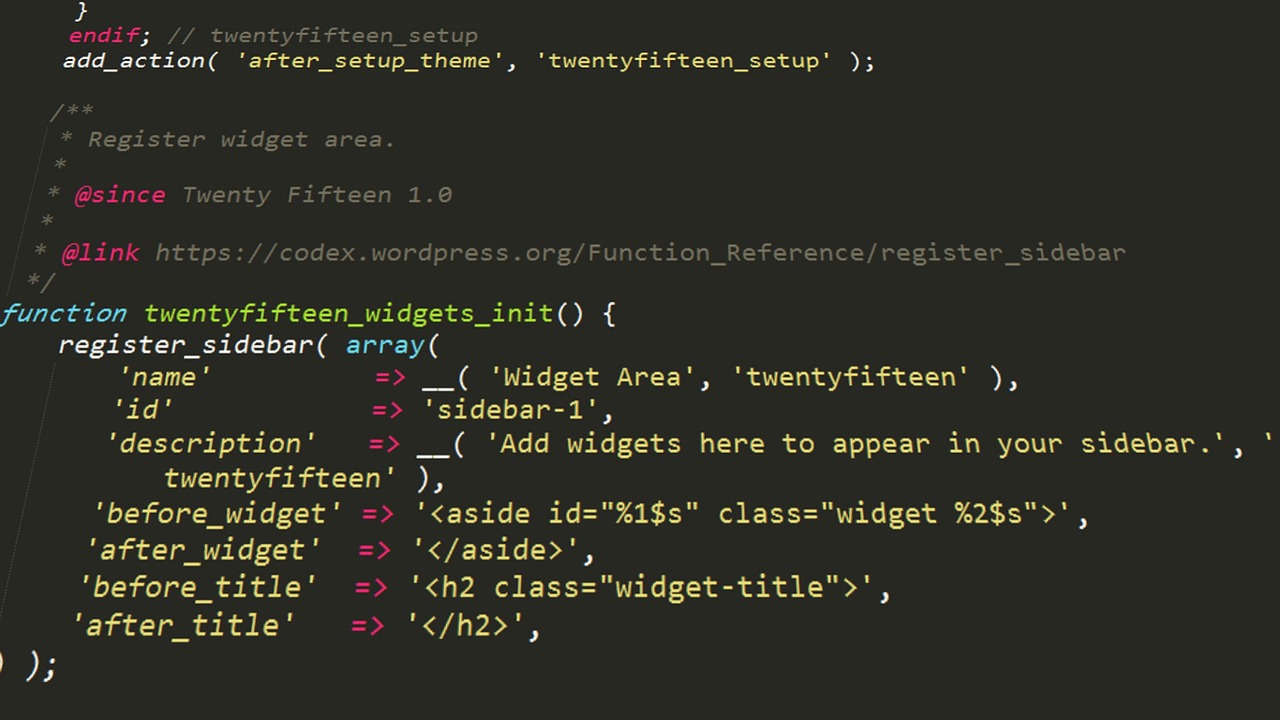
When you’re building a WordPress site, one of the first decisions you’ll face is whether to use a free theme or invest in a premium one. The debate around free vs premium WordPress themes is more nuanced than a simple “free is bad, paid is good” take. Both options have legitimate use cases, and the right choice depends entirely on the project’s goals, budget, and long-term requirements. In this comparison, I’ll break down the real differences in features, performance, support, and hidden costs based on years of building and maintaining client sites. By the end, you’ll have a clear framework to decide which route works for you.

What a Free Theme Actually Gives You
A free theme, typically downloaded from the WordPress.org repository, includes the basic styling and structure needed to display your content. You get limited customization options—often just a color picker, a few layout choices, and maybe some widget areas. Community support is available through forums, but response times vary, and you’re relying on volunteers or the theme developer’s goodwill.
The “free” catch is worth understanding. Many free themes are designed as a marketing funnel. They include limited features, then prompt you to upgrade to a paid version, often via aggressive admin notices or locked sections. The code quality can be inconsistent. I’ve seen free themes bundle outdated JavaScript libraries, unused CSS, and legacy functions that bloat page size. On several client projects, I installed a well-rated free theme only to find it conflicted with a caching plugin or loaded unnecessary scripts on every page.
That said, some free themes are genuinely well-built and maintained. We’ll cover those later. But the baseline expectation should be: free themes are functional for simple sites, but you trade dedicated support and performance guarantees for a zero-cost entry point.
What You Pay For With a Premium Theme
A premium theme comes with a price tag—usually between $40 and $200 for a single-site license, or a subscription for ongoing updates. What you’re paying for is predictable quality and dedicated support. Premium themes from established developers like Elegant Themes (Divi), StudioPress (Genesis), Themify, or GeneratePress include regular updates, compatibility testing with major plugins, and a support team that answers in hours, not days.
You also get advanced customization. Instead of being limited to basic color tweaks, premium themes offer granular control over typography, spacing, layout grids, header styles, and white-label options. For those who prefer a hands-on, learn-as-you-go approach, a resource like WordPress theme development guides can help you understand theme architecture whether you’re customizing a free theme or building on a premium one. Many come with pre-built demo sites you can import with one click—saving hours of setup time. From an SEO perspective, premium themes tend to have cleaner, semantic HTML and faster load times because they avoid legacy code that free themes often inherit.
The value becomes clear when you’re building a serious site. If you’re creating a business site, an online store, or a membership platform, the reliability and performance gains from a premium theme more than justify the cost.
The Hidden Costs of ‘Free’ Themes Nobody Talks About
Free themes can end up costing you more than premium ones over the lifespan of a site. Here’s what nobody mentions in the marketing copy:
- Limited or no support: When a plugin update breaks your layout, the free theme’s forum may be inactive. You’re stuck troubleshooting alone or paying a developer to fix it.
- Plugin conflicts: Free themes often don’t test compatibility with popular plugins like page builders, caching solutions, or SEO tools. I’ve had clients lose weeks of work because a free theme’s built-in slider broke after an update.
- Abandoned updates: A free theme can stop being updated at any point. The developer loses interest, moves on, or simply doesn’t have resources. A three-year-old theme is a security risk and compatibility nightmare.
- Security vulnerabilities: Without regular security patches, your site is exposed to attacks. I’ve seen multiple cases where an abandoned free theme was the entry point for a malware infection.
- Performance bloat: Many free themes include outdated or redundant code that slows your site. That extra second of load time can cost you conversions and search ranking.
A common scenario I’ve handled: a client built a small business site on a free theme, then wanted to add ecommerce. The theme wasn’t compatible with WooCommerce, the layout broke, and the migration to a premium theme cost $500+ in development time. The premium theme would have cost under $100 upfront. Free themes are not always the cheaper option.
When a Free Theme Is the Smarter Choice
Free themes aren’t automatically bad. There are situations where they’re the logical, smart decision:
- Personal blogs or hobby sites: If you’re writing for yourself and don’t need advanced features, a lightweight free theme like GeneratePress Free or Kadence Free works perfectly.
- Test sites and staging: For prototyping or learning WordPress, there’s no reason to pay. Use a free theme to get started, then upgrade if the project becomes serious.
- Small non-profits with minimal budgets: When every dollar counts, a clean free theme combined with quality free plugins can build a functional site.
- Sites that won’t change much: If you need a static, informational page that won’t get many updates, a free theme can last years.
- When you have technical skills: If you’re comfortable tweaking CSS and troubleshooting conflicts, you can mitigate many free theme limitations yourself.
The key is being honest about your needs. If the site is simple and you’re prepared to handle occasional issues, a free theme saves money. Don’t let premium marketers convince you every site needs a $100 theme.
When You Should Absolutely Go Premium
For any site where reliability, speed, or revenue is at stake, premium is the safer bet. Specifically:
- Ecommerce stores: WooCommerce sites need stable, optimized themes that don’t conflict with payment gateways or inventory plugins. Premium themes like GeneratePress Premium or Divi have dedicated WooCommerce support.
- Client sites: When you’re building for a client, a premium theme ensures you can provide ongoing support without unexpected compatibility issues. It also looks more professional in your portfolio.
- Membership sites or online courses: These require complex functionality. Premium themes integrate better with membership plugins and learning management systems.
- Any site where speed affects revenue: If you’re selling products or ads, a one-second delay in load time can cost 7% of conversions. Premium themes generally have cleaner code and better performance.
- Businesses that need an SEO edge: Premium themes ship with schema markup, fast loading, and accessible HTML—all signals that help search rankings.
If you decide premium is right for you, I recommend starting with GeneratePress Premium for speed-critical projects or Divi from Elegant Themes if you want design flexibility. Both are well-maintained, widely supported, and regularly updated.

Performance Comparison: Free vs Premium
Load time is where the difference between free and premium themes becomes measurable. I’ve run GTmetrix and PageSpeed Insights on dozens of free themes. The pattern is consistent: free themes typically load in 2.5 to 4 seconds on a standard shared host. Premium themes on the same setup often load in 1.5 to 2.5 seconds. That doesn’t sound huge, but the impact on user experience and Core Web Vitals is significant.
Why the gap? Free themes often include legacy CSS and JavaScript that’s never cleaned up. A free theme from 2018 might still load styles for a slider you removed. Premium themes, especially modern ones like GeneratePress or Kadence, build their codebases with performance in mind. They use conditional loading—scripts only load when needed—and follow WordPress coding standards.
A practical test: before committing to any theme, free or premium, run it through GTmetrix with your actual content. If the Total Blocking Time is above 300ms or the Largest Contentful Paint exceeds 2.5 seconds, look for a lighter alternative. Don’t assume premium automatically means faster, but the odds are in your favor.
Support and Updates: The Real Differentiator
Support is where free and premium themes diverge most significantly. Free themes rely on community forums. You ask a question, wait days or weeks, and hope someone knows the answer. There’s no guarantee of a response. For critical issues—like a conflict with the latest WordPress version—you’re on your own.
Premium themes have dedicated support teams. For example, if you buy a GeneratePress license, you get direct access to developers through a ticketed system. Most premium theme companies respond within 24 to 48 hours. Updates are released frequently to match WordPress core releases, plugin updates, and security patches. This isn’t just convenience—it’s a security factor. Outdated themes are a primary vector for hacks.
A common mistake I see: someone installs a free theme, stays on it for two years, and never updates it because there are no updates. That theme becomes a liability. If support and security matter to you—and they should for any live site—premium is worth the investment.
Popular Free Themes That Punch Above Their Weight
Not all free themes are equal. A handful of developers offer genuinely capable free versions that rival many premium products:
- Astra (free tier): Lightweight, fast, and integrates with most page builders. The free version includes enough customization for a simple blog or small business site.
- GeneratePress (free): Minimal bloat, under 10 KB. Works great if you’re comfortable with its modular approach. The free version lacks some premium features but is still excellent.
- Kadence (free): Offers surprising control over header, footer, and layout settings. Good for users who want flexibility without paying.
- Blocksy: A newer option but well-coded. Includes dark mode, sticky header, and WooCommerce compatibility in the free version.
These themes are worth serious consideration if budget is tight. They’re maintained by active developers, have growing communities, and avoid the legacy code problems of older free themes. I’ve used all four on client sites with positive results.

Premium Themes We Recommend Most for Client Sites
When a project needs reliability, performance, or advanced features, these are the premium themes I consistently return to:
- GeneratePress Premium: Best for speed and minimal design. It’s a framework that lets you build lightweight, custom sites without bloat. Ideal for developers who want control.
- Divi by Elegant Themes: Best for design flexibility. Its visual builder lets non-developers create complex layouts. The tradeoff is slightly higher page weight, but it’s manageable with optimization.
- Kadence Pro: A solid middle ground. More features than GeneratePress, less complexity than Divi. Good for business sites that need dynamic content blocks.
- Avada: Best for multi-purpose sites. It comes with dozens of pre-built demos and supports almost any use case. It’s heavier, so pair it with a caching plugin.
If you’re leaning toward a premium theme, consider starting with a resource to sharpen your skill set. A book like “WordPress Theme Development: Beginner’s Guide” on Amazon can help you understand theme architecture whether you’re customizing a free theme or building on a premium one. The knowledge pays for itself.

5 Mistakes to Avoid When Choosing a Theme
Here are the most common errors I see, each with a real-world example:
- Choosing based on outdated design: A client once picked a theme because they liked its “professional” look. The problem: it used flash-heavy animations from 2016. Load time was 8 seconds. Always check the theme’s last update date.
- Ignoring developer support quality: I’ve seen developers who promise support but never reply. Before buying premium, check the support forum or review sites. A theme with great demos but no support is a risk.
- Overlooking plugin compatibility: A free theme looked perfect until the client installed Yoast SEO and the theme’s CSS broke. Always install your essential plugins during the trial period, not after launch.
- Assuming free themes come with adequate performance: Many assume free themes are lean. They’re often the opposite. Run performance tests before committing.
- Choosing a feature-heavy theme for a simple site: I had a client who wanted a portfolio site and bought a multipurpose premium theme with 300+ options. It took me hours to strip down. Pick a theme that matches the scope of your project.
How to Test a Theme Before Deciding
Testing a theme properly before committing saves you headaches. Here’s my checklist:
- Set up a staging site (most hosts include this) or a local environment using Local by Flywheel or XAMPP. Never test on production.
- Run a performance test: Use GTmetrix or PageSpeed Insights with sample content. Note load time, Total Blocking Time, and Largest Contentful Paint.
- Check mobile responsiveness: Resize your browser and test on an actual phone or tablet. Many themes look great on desktop but break on mobile.
- Test plugin compatibility: Install your most important plugins—caching, SEO, contact forms. Make sure nothing breaks.
- Review demo import: If the theme offers demo content, import it and see how close to the marketing images you can get.
- Check update history: For premium themes, browse the changelog. Frequent updates are a good sign. For free themes, check the last update date on WordPress.org.
This process takes about an hour but pays off immediately by filtering out underperforming themes.
Final Verdict: Free vs Premium — What Should You Choose?
Here’s a simple decision framework: use a free theme if your site is static, has minimal reliance on functionality, and you’re comfortable handling occasional quirks. Use a premium theme if the site drives revenue, requires high reliability, or needs advanced features and dedicated support. Both are valid—the mistake is choosing based on price alone rather than long-term fit.
For most business projects, the premium route is cheaper in the long run when you factor in time, security, and performance. If you’re still unsure, start with a quality free theme like GeneratePress Free, then upgrade to the premium version later if needed. That way you’re not locked into a theme that works against your site’s goals. Whatever you choose, test first, and align the decision with where you want your site to be a year from now.